Hubitat has integrated the ZSE50, so all functions are available without a custom driver.
However, Hubitat does not natively expose Direct Association functionality, so you will need to use rules/scenes when programming the ZSE50. In some cases, a community-developed driver may be available to unlock additional features on Hubitat. These drivers are created and maintained by members of the Hubitat community, not by Zooz. If you are interested in exploring community options, we recommend checking the Hubitat forums for the latest information and user-supported drivers.
NOTE ON CUSTOM DRIVERS: We work with all of the platforms to provide thoughtful integration for our devices. While the most open platforms like Home Assistant or Z-Box allow for full functionality out-of-the-box, other platforms like Hubitat often require dedicated custom code for expanded functionality of Z-Wave devices, even though it's a standardized protocol. If a feature is not exposed in the native integration on the platform, please let Hubitat support and our team know so we can work together to add it based on your feedback. We aim to support as many platforms as possible while balancing development costs and keeping device pricing reasonable. Customer feedback helps guide where we invest in additional platform-specific work.
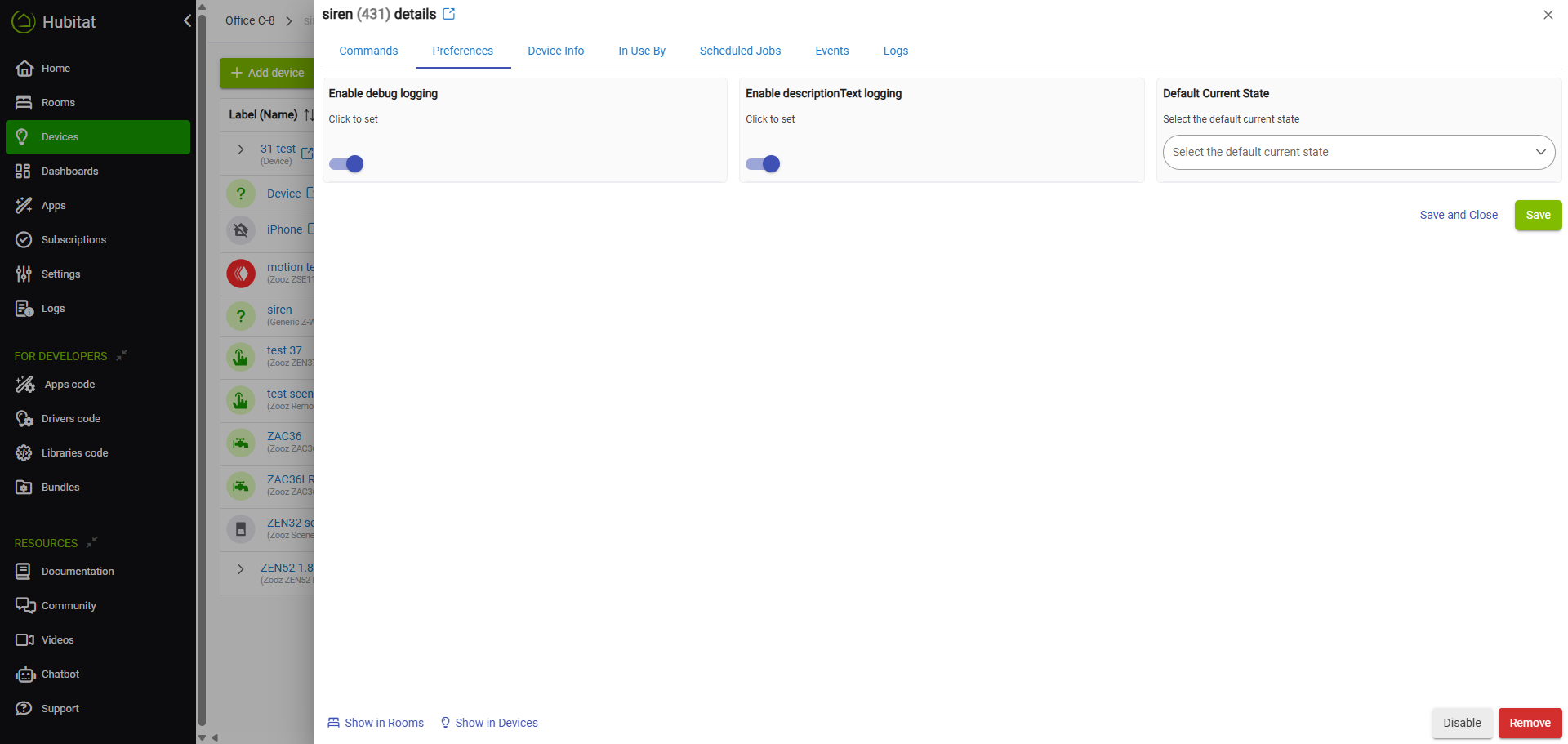
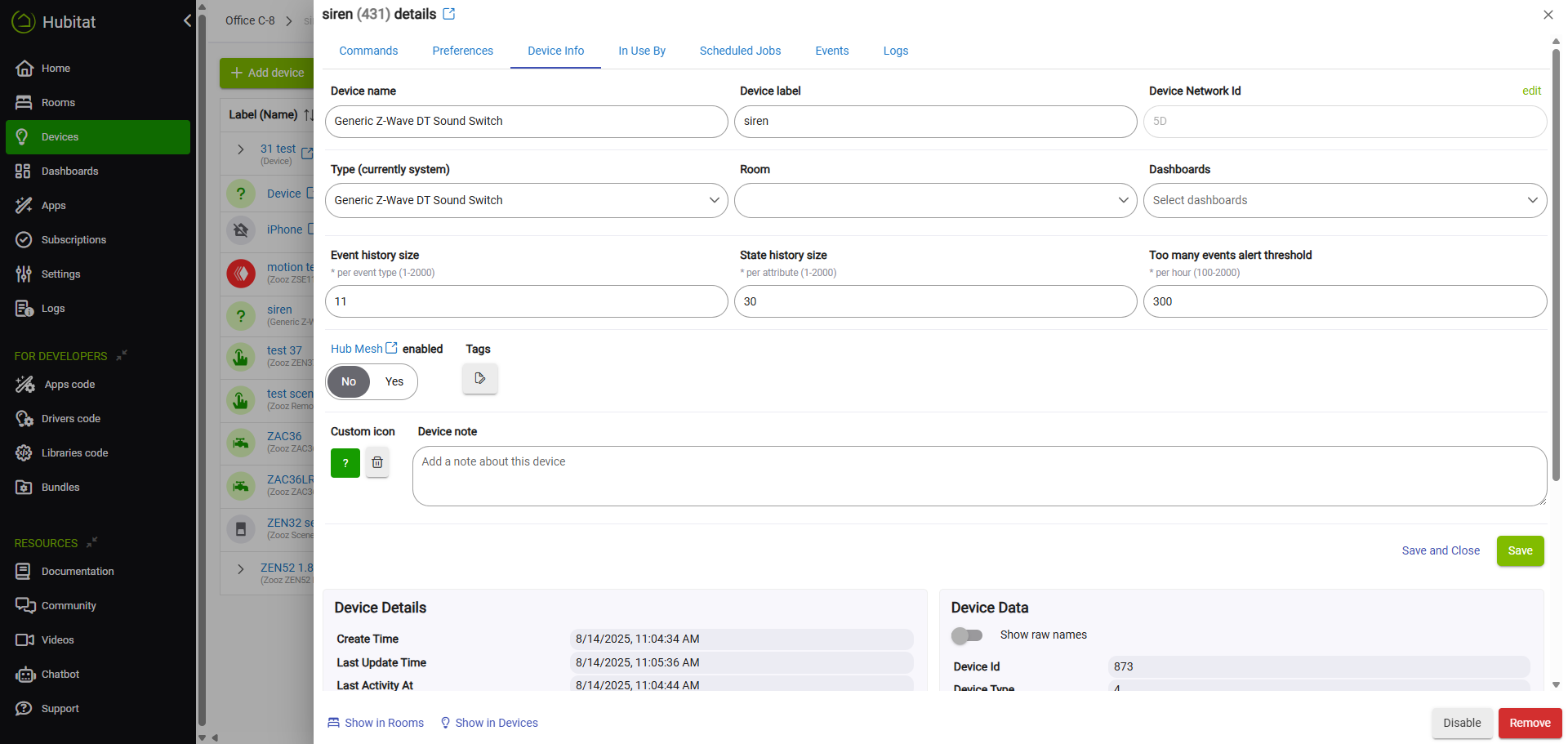
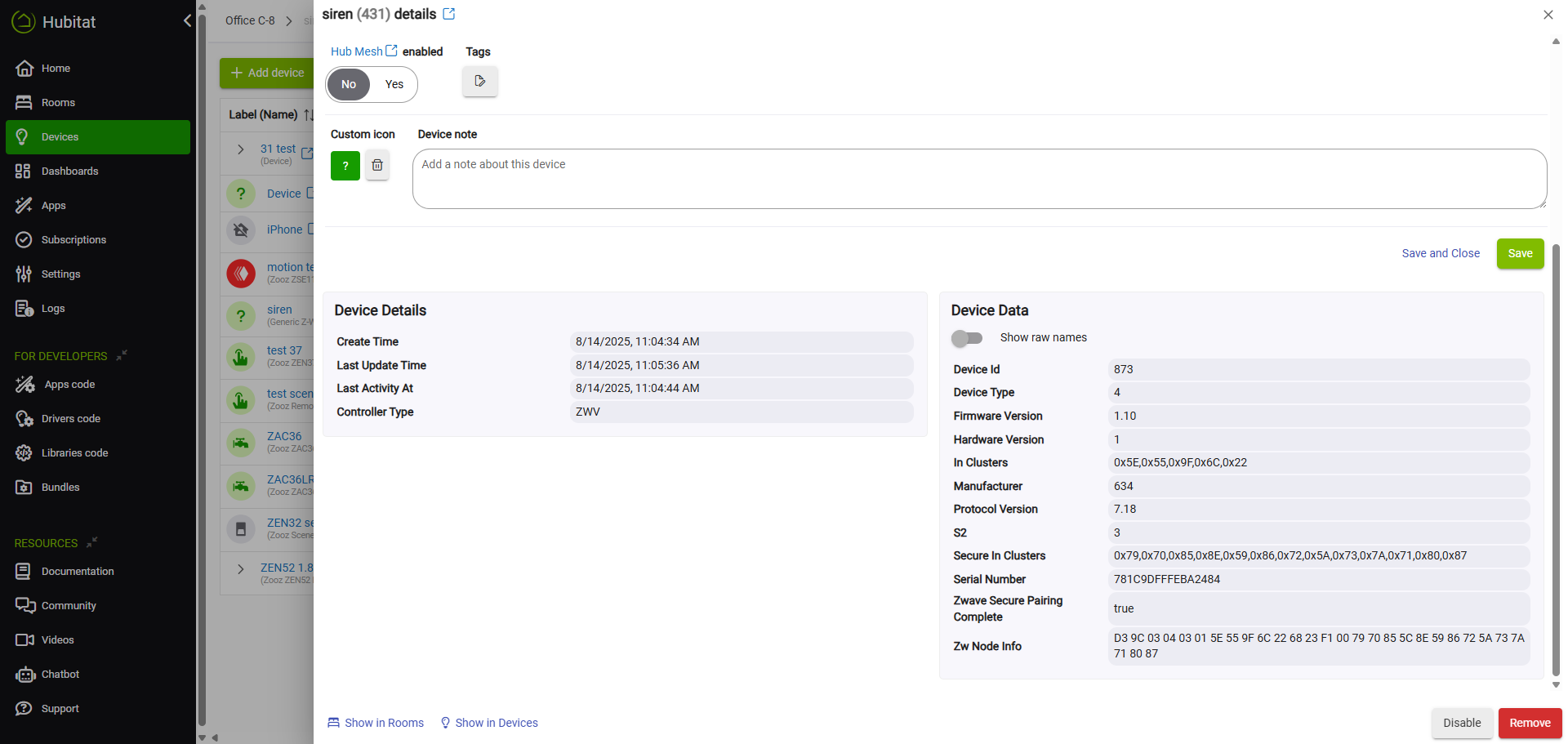
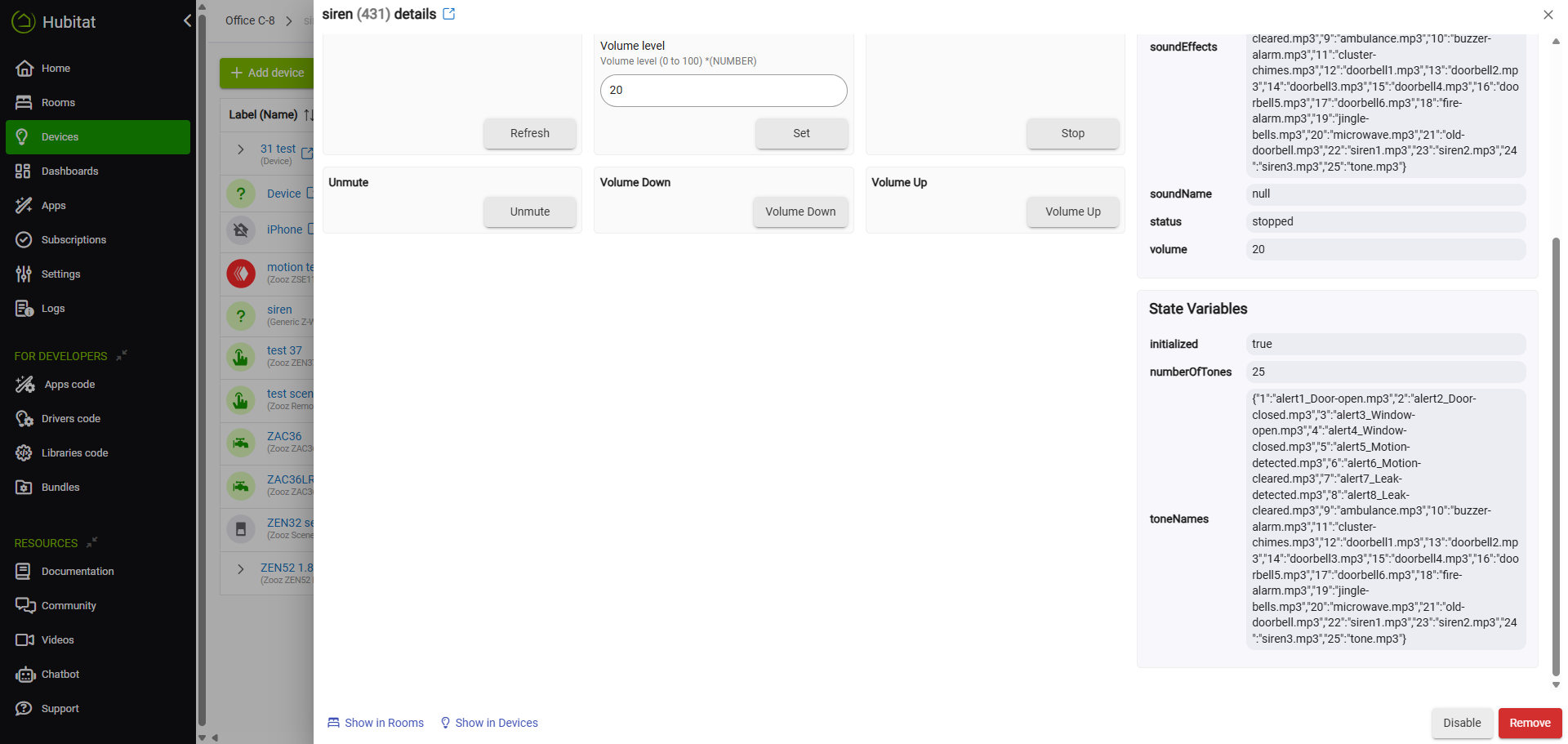
We've included some screenshots below detailing how the unit will display in Hubitat without the custom driver:
Device Row:

Device Details:
Device Details: Volume Control:
Parameters (unavailable on built-in driver):